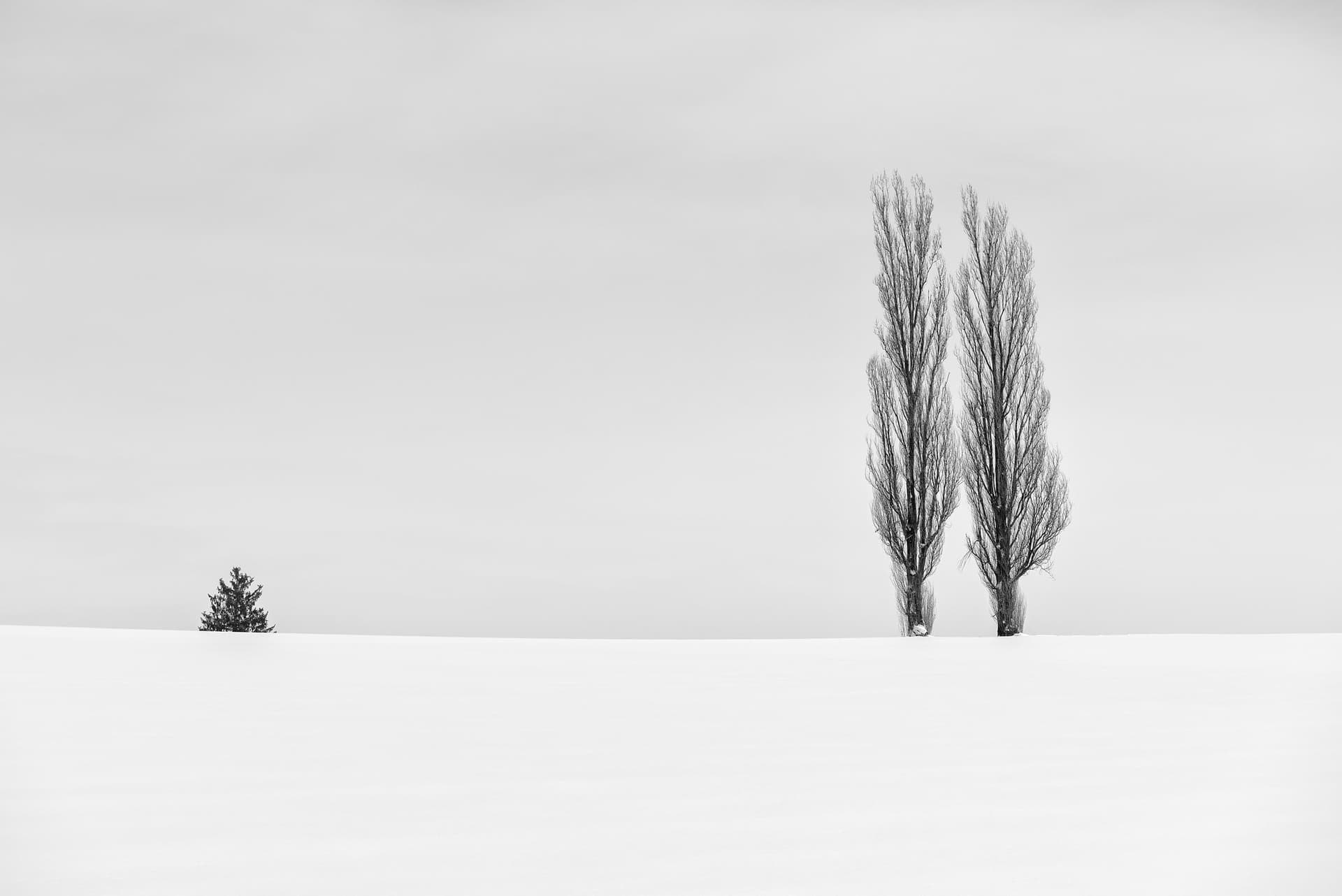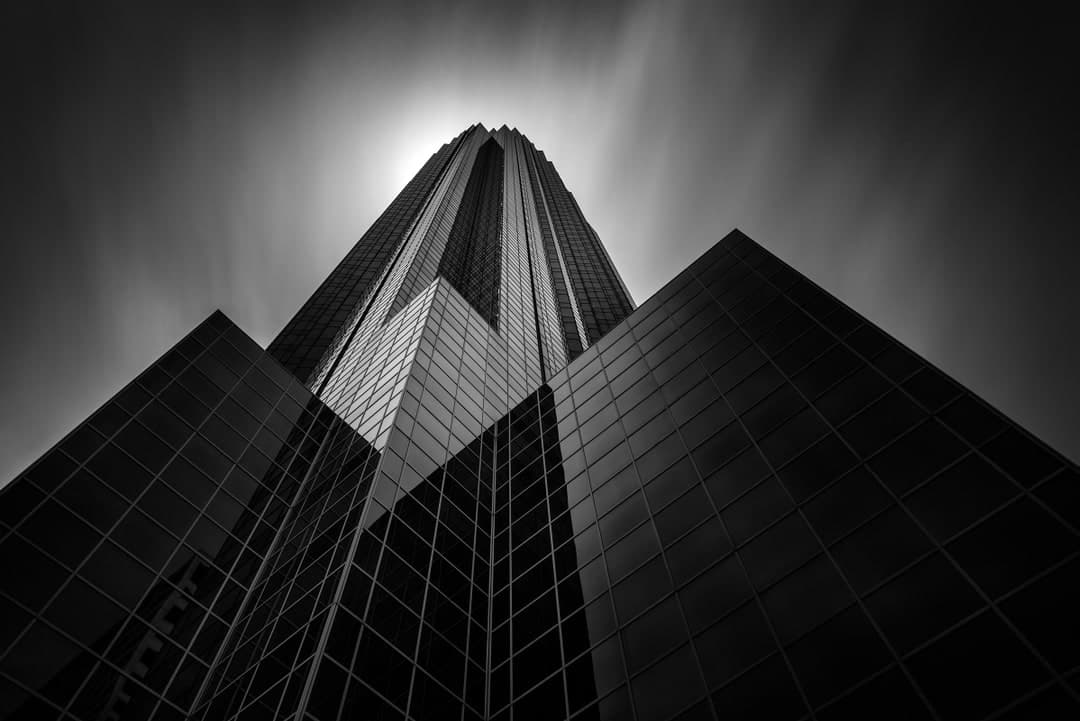

Transform your space with confidence using the interactive wall art visualizer. Select any fine art print from the collection, upload a photo of your living room, bedroom, or office, and preview exactly how the artwork will look on your own wall, true to scale, with AI-enhanced lighting and shadow so the render matches your room's real light. Compare available print sizes and see it in place before you buy.
Choose artwork
Select any fine art print from the collection.
Upload your room
Take a straight-on photo of your wall or space and upload it.
Set the scale
Drag two lines against something in your room and enter its real width, so the print appears at its true size — this is what makes the preview accurate, not a guess.
Preview and enhance
Generate a photorealistic preview with AI-added lighting and shadow, then download it or email it to yourself.
Most art previews drop a picture onto a wall at whatever size looks reasonable, which is exactly the judgment you were trying to outsource. The usual result is a print that arrives noticeably smaller than expected, because a piece that looks generous on a screen can read as an afterthought above a sofa.
Calibrating against a real measurement in your own photo avoids that. A 24x36 inch print and a 40x60 inch print occupy very different amounts of the same wall, and seeing both at true scale in your actual room is usually what settles the decision. As a rough starting point, artwork above a sofa tends to look right at about two thirds the width of the furniture below it.
Not sure which print suits the room in the first place? Mood Match narrows the collection by the colors already in your space, then hands the result straight to this visualizer.
No. The visualizer is free and needs no account or signup. Pick a print, upload a photo of your room, and you will have a preview in under a minute.
You tell it. After uploading your room photo you drag two lines across something in the shot whose real width you know, such as a sofa, a window, or a door, and enter that measurement. Everything is scaled from that reference, which is why the print appears at its true size rather than an approximation.
A straight on shot of the wall, taken square rather than at a steep angle, with the whole wall and something of known width in frame. Good even light helps. A photo taken from far off to one side is the most common reason a preview looks off.
Yes. It works in a mobile browser, so you can stand in the room, photograph the wall, and preview a print without moving to a computer.
Yes. Once the preview is generated you can download it or email it to yourself, which is useful for comparing options later or sending to whoever else is deciding.
Every size listed on the print, on both fine art paper and face mounted acrylic. Compare sizes on the same wall to see which one actually suits the space. Custom sizes are available on most images if none of the listed ones fit your wall.
Yes, and it is built for it. Interior designers, home stagers, and art consultants use it to present art to clients before ordering. Trade pricing is available on every print.
Sourcing art for a client? Trade pricing for designers and stagers.
Every print above is also grouped into curated galleries by subject and location.